Why Is My Microwave Running but Not Heating?
A microwave that runs without heating food may have a door that is not closing fully, a setting that was changed, or a worn part inside the heating system. The light, turntable, and fan can all work while the heating parts do not, so a running microwave is not proof that it is heating. Check the door, the settings, and the power first, and leave any internal work to a qualified repair professional, because microwaves store high voltage even when unplugged.
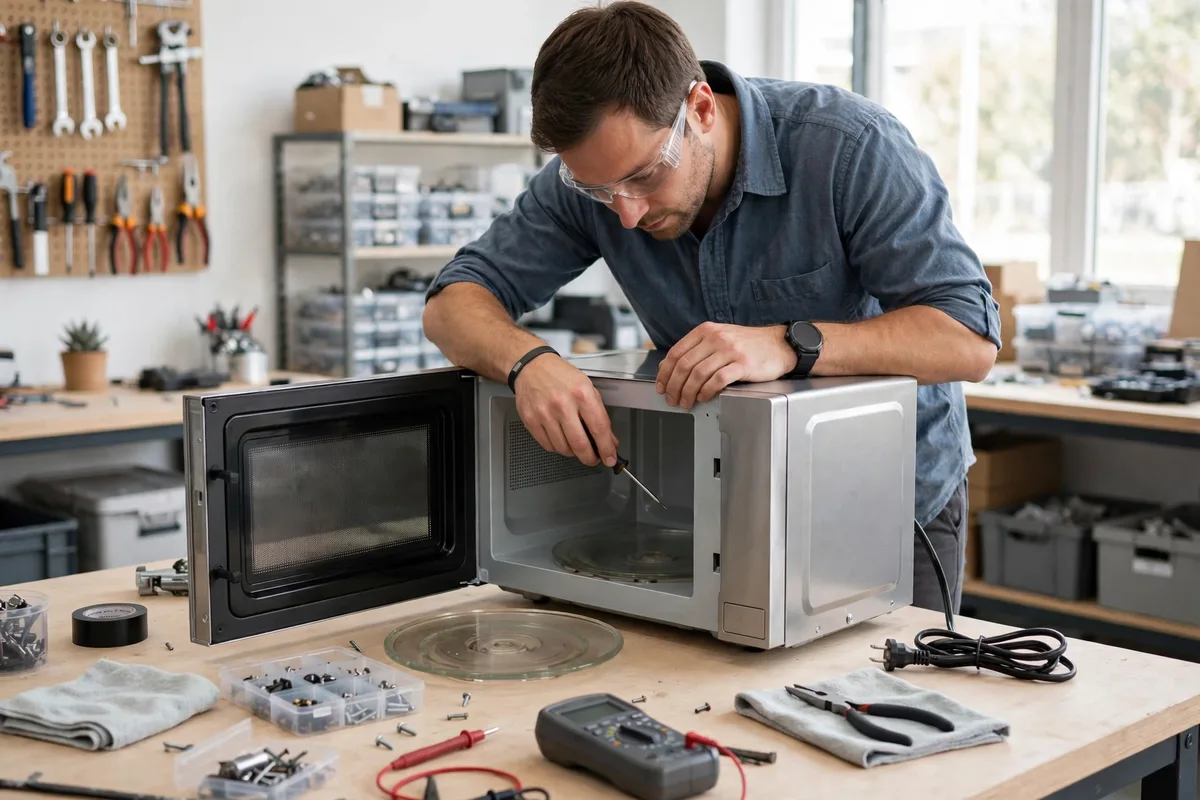
A microwave that hums, lights up, and turns the plate without warming food is a confusing problem, because everything looks normal from the outside. The heating system is separate from the parts that run the light and turntable, so one can work while the other does not. This guide explains the safe checks and why internal microwave work is never a homeowner task.
Common Reasons a Microwave Runs Without Heating
A microwave heats food with a high-voltage system that is separate from the light, fan, and turntable. If the door switch does not register as closed, the heating system may not start even though the display and turntable work. A setting such as a low power level, a timer-only mode, or a demo mode can also leave food cold after a full cycle.
Other causes include a worn magnetron, a faulty door switch, or a problem with the high-voltage parts that power the heating system. The pattern matters: a microwave that never heats points in a different direction than one that heats weakly or stops heating partway through a cycle.
Safe Checks You Can Try First
Check that the door closes firmly and that nothing is caught in the seal or latch. Wipe the door seal with a damp cloth and remove any food debris around the latch area. Confirm the power level and cooking time, since a low power setting or a very short time can leave food cold.
Test with a cup of water rather than food. Heat a cup of water for one minute on full power and check whether it feels warm. If the water stays cool while the light and turntable work, the heating system is likely not running. Check the breaker panel for a tripped breaker, and confirm the plug is seated firmly if it is easy to reach safely.
- Confirm the door closes firmly and the seal is clean
- Check the power level, time, and any demo or timer-only mode
- Test with a cup of water on full power for one minute
- Check the breaker and confirm the plug is seated firmly
Microwave Safety: Do Not Open the Cabinet
Microwaves store high voltage in parts inside the cabinet, and that charge can remain even after the unit is unplugged. For that reason, never remove the outer cover, never reach inside the cabinet, and never attempt to test or replace internal parts yourself. The risk is serious even for people who are comfortable with other household repairs.
If the microwave makes sparking, arcing, or a loud buzzing sound, stop using it and unplug it if it is safe to do so. Do not run it empty, and do not run it with metal inside, because both can damage the unit and create a safety hazard. A qualified repair professional has the training and tools to work on microwave heating systems safely.
What a Repair Professional May Inspect
A qualified repair professional may inspect the door switches, the magnetron, the high-voltage parts, the control board, and the power supply. The professional may also check whether a safety control shut off the heating system, and whether the door alignment is preventing the switches from closing correctly.
These inspections involve high-voltage parts and require specific training and test equipment, so they are strictly professional work. A professional can explain whether the cause is a door switch, a heating part, or a control problem, and can describe the repair options before work begins.
When to Request Professional Help
Request assistance if the microwave still does not heat after the door, settings, and power have been checked, if it heats weakly or only sometimes, or if it makes sparking, arcing, or loud buzzing sounds. A burning smell, a tripped breaker, or visible damage to the door or cord are also reasons to stop using the unit and request help promptly.
Also request help if the turntable works but no heat appears at all, if the problem affects every cycle, or if the door feels loose or does not latch firmly. Describe whether the light, fan, and turntable work, and what happened during the water test, because those details help the repair professional prepare.
Frequently Asked Questions
Why does my microwave light work but it does not heat?
The light, fan, and turntable run on a different part of the system than the heating parts, so they can work while the heating system does not. A door switch, a heating part, or a control problem can all cause this pattern. Check the door and settings first, then request help.
Is it safe to repair a microwave myself?
No. Microwaves store high voltage inside the cabinet, and that charge can remain even after the unit is unplugged. Never remove the outer cover or attempt to test or replace internal parts. Leave all internal microwave work to a qualified repair professional.
How can I test whether my microwave is heating?
Heat a cup of water for one minute on full power and check whether it feels warm. This test is safer and clearer than testing with food, because water warms evenly. If the water stays cool while the light and turntable work, the heating system is likely not running.
Can a door that does not close fully stop a microwave from heating?
Yes. A microwave uses door switches to confirm the door is closed before the heating system starts. If the door is misaligned or the latch does not engage, the heating system may stay off even though the display and turntable work. Check the seal and latch, and request help if the door feels loose.